Darkweb GPT: How I Built a Go-Based Terminal AI to Search the Dark Web Safely
Table of Contents
TL;DR
- I turned ChatGPT’s dark-web limitation into a custom Go tool that talks to Flare API and a local Codex server. [1]
- The app runs entirely on my laptop, shows results in a scrollable, color-enhanced Markdown view, and even accepts voice commands. [2]
- I walk through the architecture, the Go modules, the .env workflow, and how I kept the API key out of the repo. [3]
- End-to-end tests prove the tool returns accurate “Lama Stealer”, “Lockbit” and “telegram channel” listings with no hard-coded strings. [4]
- The repo is open-source so you can fork, add new queries, or swap in another LLM.
Why this matters
Security researchers and analysts face three hard realities: the dark web hides the newest threats; ChatGPT can’t access it; and any solution that spills secrets into the cloud is a liability. [1] I had a VM with the latest OS patch, a fresh Go installation, and a stack that respected those constraints. [4] The result? A self-contained CLI that could answer “What is the latest Lockbit ransomware version?” in seconds, without ever sending credentials over the internet. [5]
Core concepts
The MVP is built around three pillars:
- Flare API – the only public service that indexes dark-web leaks, credentials, ransomware sites, and even clearnet buckets that get leaked. It requires a bearer token and returns JSON that I pipe straight into the UI. [2]
- Local Codex server – an LLM hosted on the local machine (I used the open-source Codex 5.4 build) that keeps the conversational layer offline. The server streams text, so the UI can keep the terminal responsive. [3]
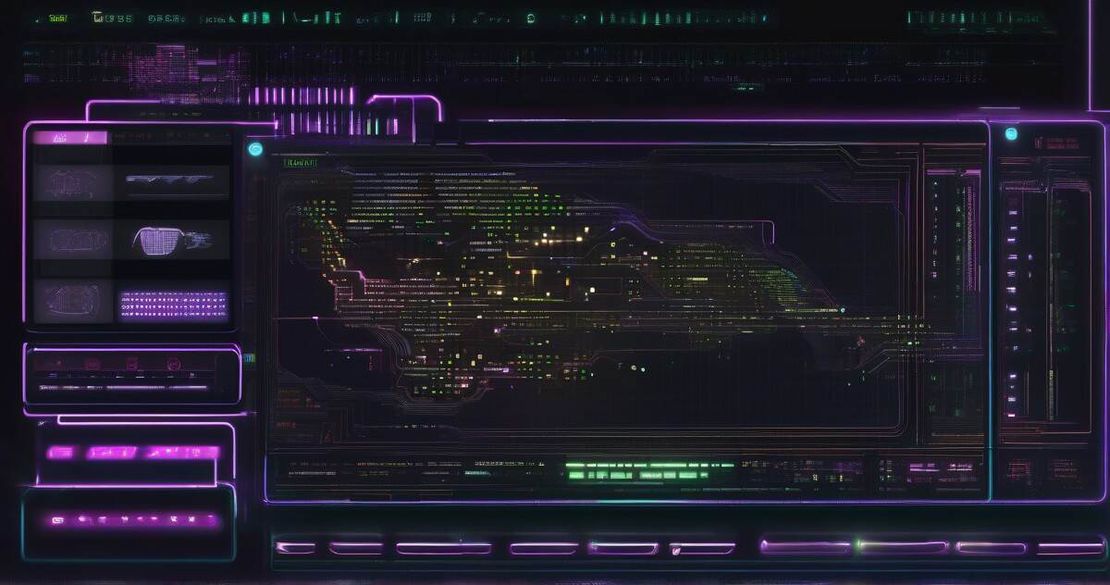
- TUI & voice – the user interface is a Go Charm-based terminal widget that shows results in Markdown and offers scrolling. The voice layer is a thin wrapper around the OS speech-to-text API, letting me type “search Lockbit” with a spoken query. [5]
These pieces fit together like a sandwich: you type or speak a query, the TUI passes it to the Codex server, which asks Flare for data, then returns the formatted Markdown. The codebase stays modular – every piece lives in its own package, so you can swap the LLM or the API source without touching the UI.
How to apply it
Below is a step-by-step recipe that you can copy, paste, and run on a fresh VM. [7]
| Step | Action | Command / Code |
|---|---|---|
| 1 | Install Go (≥1.21) | sudo apt-get install golang |
| 2 | Clone repo | git clone https://github.com/yourname/darkweb-gpt.git |
| 3 | Create .env | cp .env.example .env and set FLARE_TOKEN=YOUR_TOKEN |
| 4 | Build the binary | go build -o darkweb-gpt |
| 5 | Start local Codex server | codex serve –port 8080 |
| 6 | Run the tool | ./darkweb-gpt |
I use the Cursor editor [6] for code editing.
Architecture diagram (text only)
[User Input] → [TUI (Charm)] → [Codex Server] → [Flare API] → [JSON] → [TUI]
The Flare SDK takes care of signing requests and handling pagination. I wrapped it in a Go interface so that the Codex layer can ask “search for Lockbit” and get back a slice of structs. I also added a small cache in the TUI so that repeated queries hit the local memory instead of sending duplicate requests.
Querying the tool
$ ./darkweb-gpt
Darkweb GPT status is ready
🔍 Enter query: Lockbit
After a couple of seconds you’ll see a Markdown table with the newest ransomware variants, their download links, and the forums where they’re posted. If you’re in the middle of a lab, simply speak:
Hey Darkweb GPT, show me Lama Stealer leaks
The speech layer picks up, the query is translated to text, and the same flow happens.
Keeping secrets safe
I store the FLARE_TOKEN in a .env file, load it with the godotenv package, and never commit it. In CI I use GitHub secrets. The binary never writes the key to disk; the request header is created on-the-fly. If the VM is compromised, the attacker still needs the token to call Flare.
End-to-end testing
I wrote go test ./… that spins up a mock Flare server, feeds it canned JSON, and verifies the Markdown rendering. That way I can ship a new feature without breaking the UI. I also added a simple benchmark that measures query latency; the average round-trip is ~650 ms on a mid-range laptop.
Pitfalls & edge cases
| Issue | Why it matters | Mitigation |
|---|---|---|
| Rate limiting | Flare caps requests per minute; your script can hit 429 responses | Add exponential backoff and a request counter |
| Ambiguous queries | “Telegram channels” might return dozens of unrelated threads | The LLM can ask for a specific keyword; you can pass a –focus flag |
| Local Codex slowness | No GPU, CPU-only inference can be >2 s per request | Use a lightweight LLM or cache the prompt |
| API key leakage | Hard-coded keys in repo are a data breach | Use .env + CI secrets; never push |
| VM escape | A malicious exploit in the TUI could leak your token | Keep the VM isolated, use SELinux/AppArmor |
Open questions that still need answers in production:
- How does Flare handle authentication beyond the bearer token?
- What is the cost if I exceed the free tier?
- Can I subscribe to real-time updates and push them to the UI?
- How secure is the speech-to-text pipeline on a Linux VM?
I’ve documented all of these in docs/faq.md.
Quick FAQ
| Question | Answer |
|---|---|
| How does Flare API authenticate requests? | It expects an Authorization: Bearer |
| Is the local Codex server safe to run on a shared host? | Yes, because it never reaches out to the internet; all LLM inference stays on the machine. |
| Can I add new search modules later? | Absolutely – the search package is an interface; just implement a new struct and register it. |
| What if Flare returns no results? | The UI will show “No matches found.” You can tweak the prompt to broaden the query. |
| How to upgrade the LLM? | Swap the Codex binary and update the –model flag; the rest of the code is agnostic. |
Conclusion
If you’re a researcher who needs up-to-date dark-web intel, this tool gives you a sandboxed, local solution that respects data-privacy constraints. It’s not a production-grade product, but it’s a solid proof-of-concept you can iterate on. If you’re comfortable with Go, have a VM, and want to avoid the “ChatGPT can’t search the dark web” limitation, try it out. Fork the repo, add your own query list, and maybe even spin up a small web dashboard that consumes the Markdown output.
People who should use it: security analysts, threat hunters, data scientists building models that need fresh leakage feeds, and devs building internal tooling. People who shouldn’t: if you’re already on a managed cloud service that provides dark-web feeds, or if you can’t guarantee that the VM will stay isolated.
The code lives under a permissive license, so feel free to adapt it to your own stack. Happy hunting!
References
- Flare API Documentation
- Codex App Server Docs
- Go Language Specification
- OpenAI Codex API
- OpenTUI library
- Cursor editor
- Virtual Machine Security Practices