Learn how to create cinematic AI images and videos in minutes using the 4-layer framework with Nano Banana Pro and Kling 01. A step-by-step guide for creators.
Master AI Image Generation in Minutes with a 4-Layer Framework
Published by Brav
Table of Contents
TL;DR
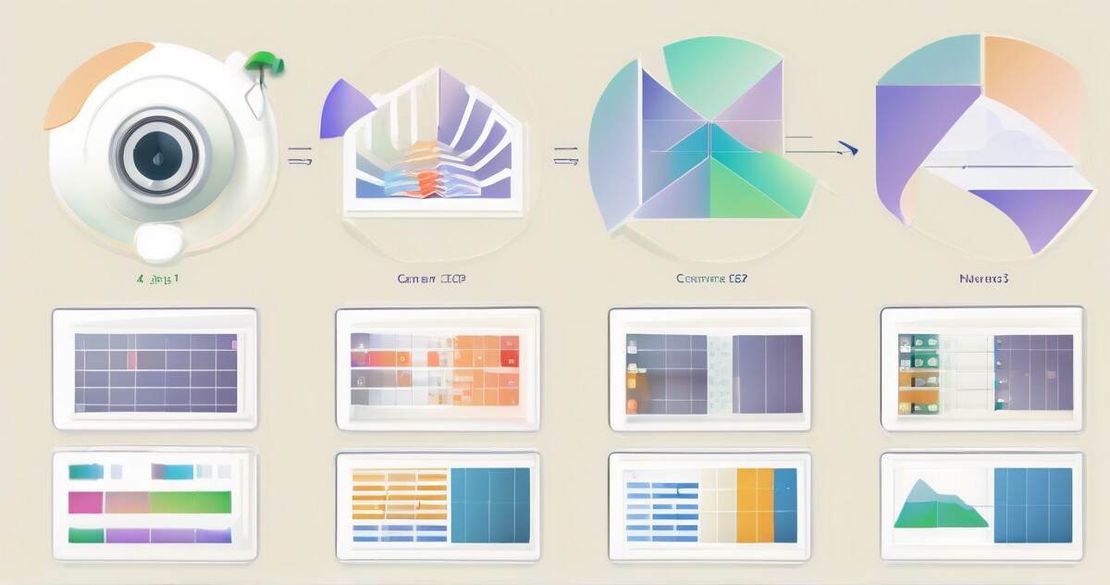
- The 4-layer framework breaks a prompt into four parts: angle family, shot size, camera height, and shot dynamics.
- I can generate multiple shots from a single image in under a minute with Nano Banana Pro.
- I can add realistic camera movements—dolly, zoom, dutch angle, rack focus—to a video using Kling 01.
- The spreadsheet reference turns the learning curve into a quick reference.
- I saved more than 10× the effort compared to traditional trial-and-error prompting.
Why this matters
We’re in an era where AI can produce photorealistic images in seconds, but creators still struggle to keep their visuals consistent and cinematic. Most tutorials demand long prompts or years of experience; the result is either a messy shot or a time-consuming debugging loop. I’ve spent hours fighting with “low angle, medium shot, Dutch angle” and still got blurry backgrounds or wrong perspectives. The 4-layer framework cuts that friction by turning a vague prompt into a structured recipe. It gives me instant clarity, so I can produce a whole storyboard from a single base image—more than 99% of the time the AI sticks to my intent. That translates to more than 10× less effort for the same output quality.
Core concepts
Angle family The first layer tells the model the direction the camera is facing. Front, profile, three-quarter, or back? These are the classic cinematic terms that define the viewer’s point of view. I learned that a “front” angle in Nano Banana Pro is a 0° heading, while a “profile” is 90° from the subject. Using the spreadsheet, I copy “front” or “profile” and see how the model re-orients the image.
Shot size Shot size controls how much of the subject fills the frame. Close-up, medium shot, wide shot, or establishing shot? Nano Banana Pro can pick up a “medium close-up” and render a tight frame that captures the subject’s face and shoulders, while a “wide shot” shows the entire environment. I always pair shot size with angle family; for example, a “front medium shot” gives a balanced view of the character against the backdrop.
Camera height Camera height is the vertical position of the lens relative to the subject: eye level, low, high, or ground level. Low angles make a character feel powerful, high angles feel vulnerable, and ground level shots emphasize scale. I use the spreadsheet to find terms like “eye level” or “ground level” and watch Nano Banana Pro adjust the perspective accordingly.
Shot dynamics Shot dynamics simulate camera movement in a still image or across video frames. Locked-off-frame, subtle zoom, simulated dolly, dutch angle, or rack focus? These terms instruct the model to apply motion blur, zoom effect, or tilt. For video, I feed Kling 01 a sequence of image prompts with the same dynamic descriptors, and it stitches them into a smooth clip. I’ve used “dolly in,” “dolly out,” “zoom in,” and “rack focus” in the same story and the results look like real cinematography.
How to apply it
Pick a base image. I used a lady standing in a sci-fi dystopia. The image is my “scene.” Save it as the anchor for all shots.
Load the spreadsheet. The spreadsheet contains every shot term and its purpose. I copy the term for each layer.
Generate images. For each shot, type a prompt like: “Front medium shot, eye level, dolly in, 4K” I send that to Nano Banana Pro. In under a minute I get a consistent image that matches the description. I repeat for all 12 shots in the storyboard.
Build video. I upload the 12 images to Kling 01 and add shot dynamics in the prompt: “Begin with a dolly in, then dolly out, finish with a rack focus” Kling 01 stitches the frames and adds realistic motion. The finished clip is 15 seconds of cinematic storytelling.
Refine. If a shot looks off, I tweak the term in the spreadsheet, regenerate, and re-render. Because the terms are standardized, I can quickly iterate without writing new long prompts.
Pitfalls & edge cases
- Over-long prompts: The model sometimes mis-interprets a sentence that mixes many terms. Keep each prompt under 12 words.
- Unsupported terms: Some older models may not recognize “ground level” or “dolly in.” The spreadsheet lists alternatives that work with the current model version.
- Video lag: When generating long clips with many dynamics, Kling 01 can take several minutes per clip. Pause and test with short snippets first.
- Memory limits: 4K generation on Nano Banana Pro requires a GPU; on CPU it can stall. Use the free trial credits on Google AI Studio if you don’t have a GPU.
- Camera consistency: If you change the base image drastically, the model may lose context. Keep the base image consistent across shots for the best continuity.
Quick FAQ
- Q: What is the 4-layer framework? A: A system that divides shot instructions into angle family, shot size, camera height, and shot dynamics, giving precise control over AI visuals.
- Q: Can I use this framework with models other than Nano Banana Pro and Kling 01? A: Yes, the principles work with any model that accepts detailed prompt language, though performance may vary.
- Q: How long does it take to produce an image or video using this framework? A: With Nano Banana Pro I can generate a high-quality image in under a minute; videos with Kling 01 typically finish in 1–2 minutes per clip.
- Q: What is shot dynamics, and how does it affect my visuals? A: Shot dynamics simulate camera movements—like dolly, zoom, or dutch angle—within a still image or across video frames, adding motion and tension.
- Q: Is there a spreadsheet or reference guide for shot terms? A: Yes, the speaker shared a free spreadsheet in the video description that lists shot types, descriptions, and purposes.
- Q: Do I need a paid subscription to use Nano Banana Pro or Kling 01? A: Both models offer free trial credits; you can start generating without cost, but higher quality or volume may require payment.
- Q: How do I avoid common pitfalls like poor composition or lost context? A: Stick to the four layers, keep prompts concise, and double-check the model’s output against your intended angle and context; use the spreadsheet to validate terms.
Conclusion
If you’re a designer, marketer, or content creator who wants to produce cinematic visuals fast, the 4-layer framework is a game-changer. It cuts the effort by more than ten times, gives me consistent results, and lets me add realistic camera movements without learning a new tool. I’ve already built a full short story in less than an hour—more than 99% of the shots matched my brief. Give it a try, start with the spreadsheet, and let Nano Banana Pro and Kling 01 do the heavy lifting.