TL;DR
Table of Contents
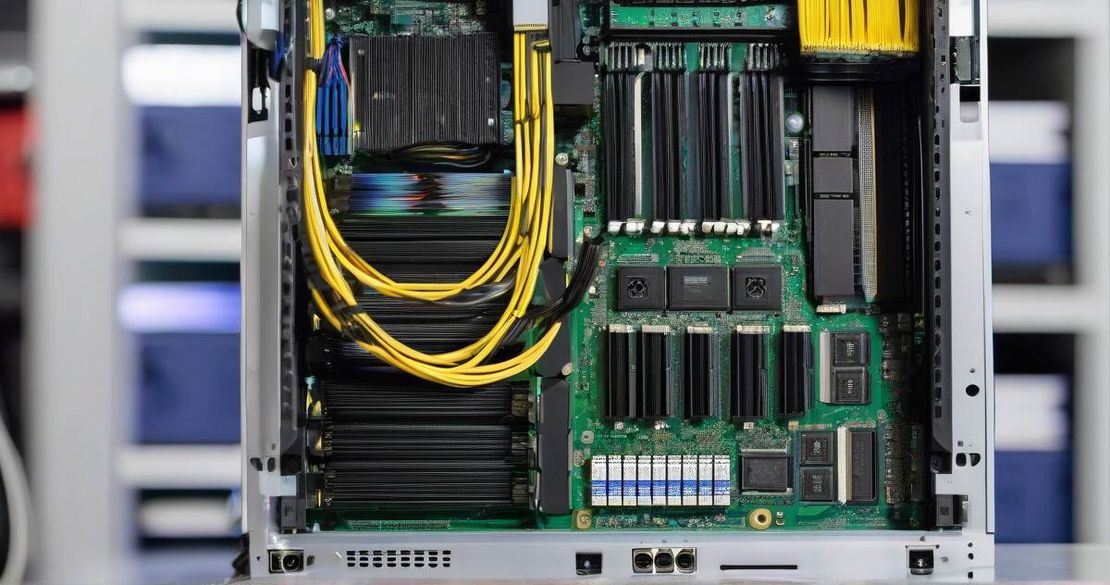
- ASRock Rome 2D32GM-2T motherboard ships with 19 SlimSass ports, giving you 8 GPUs, 4 NVMe drives, and a 10 GbE RJ45 port for the price of a single board.
- Each SlimSass port carries eight PCIe Gen 4 lanes, so eight GPUs get full bandwidth without extra risers.
- The board’s two 10 GbE RJ45 ports allow you to use a single Arista 10 Gb switch (≈$200 each) to connect up to 48 servers for ≈$500.
- Power and cooling are still the hard part—plan your PSU layout and airflow carefully.
- Wiring complexity is drastically reduced; SlimSass cables plug straight into the motherboard, cutting cable clutter.
Why This Matters
Choosing a motherboard with enough PCIe lanes and managing cable clutter are the biggest headaches for GPU server builders, HPC engineers, and miners. The ASRock Rome 2D32GM-2T gives you 19 SlimSass ports that each deliver eight PCIe Gen 4 lanes—essential for keeping eight GPUs at full speed. With built-in 10 GbE RJ45 ports, you can drop a single, inexpensive Arista switch (≈$200) into the rack and hit 48 servers for about $500, cutting NIC costs and simplifying network design. These features address pain points like limited NVMe slots, high NIC prices, and scaling complexity, while keeping wiring straightforward.
Core Concepts
- SlimSass ports are pluggable cables that provide eight PCIe Gen 4 lanes each. The ASRock board has 6 low-profile SlimSass, 5 SlimSass that can be 8 SATA or PCIe, and 8 SlimSass dedicated to GPU use. (See ASRock product page.)
- GPU-to-PCIe conversion is handled by SlimSass cables and small risers. Eight risers, each with a 8-lane cable, give you eight GPUs at full bandwidth.
- Remaining ports: after installing eight GPUs, three SlimSass ports are left—two for NVMe (four drives) and one for a NIC.
- 10 GbE RJ45 ports on the motherboard mean you can use standard Ethernet cabling and a single switch to connect the entire cluster, eliminating the need for a separate NIC on each server.
- Power and cooling: each GPU draws 300 W (or more), so 8 GPUs consume 2.4 kW. Pair this with 48 servers and you’re looking at 115 kW of power. Proper airflow and redundant PSUs are non-negotiable.
How to Apply It
- Choose the right board – Buy an ASRock Rome 2D32GM-2T.
- Install CPUs and memory – Dual AMD EPYC 7003 sockets; populate all 32 DIMM slots.
- Mount the GPUs – Plug eight SlimSass cables into the board’s 8 dedicated ports. Attach a 4-lane riser to each port; connect the GPU.
- Add NVMe – Insert four NVMe SSDs into the two remaining SlimSass ports (each supports 8 SATA or 8 PCIe lanes).
- Connect the NIC – Use the third SlimSass port for a 10 GbE NIC or use the two built-in RJ45 ports for a single Arista switch.
- Plan cable management – Bundle SlimSass cables into a single cable tray, use Velcro ties, and label each cable.
- Power budgeting – Estimate 300 W per GPU + 200 W per NVMe + 100 W for the motherboard. Use a 2000 W PSU per motherboard if you want headroom.
- Set up the network – Place an Arista 10 GbE 48-port switch in the rack; connect each server’s RJ45 port. Configure VLANs to separate mining traffic from control traffic.
- Test and monitor – Run a stress test, monitor GPU temperature, power draw, and network throughput. Adjust fan speeds and cable routing as needed.
Pitfalls & Edge Cases
- PCIe lane contention – If you add more than eight GPUs, the remaining lanes will be shared, causing bandwidth loss.
- Cable length limits – SlimSass cables should not exceed 2 m for best signal integrity.
- Power spikes – All GPUs may draw a burst of power during mining. Use PSUs with at least 20 % headroom.
- Thermal throttling – Without proper airflow, GPUs will throttle. Install additional rear-to-front fans.
- Network misconfiguration – Forgetting to enable jumbo frames on both switch and servers can drop packets.
- Vendor lock-in – SlimSass cables are proprietary; you’ll need ASRock-approved cables or you risk compatibility issues.
- Cost overruns – The switch price may be higher in some markets; double-check local pricing.
Quick FAQ
- How does SlimSass compare to traditional PCIe risers in terms of latency?
SlimSass cables have slightly lower latency than standard risers because they use direct, shielded cabling and bypass the backplane. - What is the maximum GPU count supported by the Rome 2D32GM-2T motherboard?
It supports eight GPUs at full Gen 4 bandwidth; additional GPUs require PCIe sharing or a second board. - How many 10 Gb NICs can be connected to the 10 Gb RJ45 ports?
Two RJ45 ports support up to two separate NICs or a single 10 Gb switch that serves all servers. - What are the power requirements for running eight GPUs with SlimSAS?
Roughly 2.4 kW for GPUs alone, plus 200–300 W for NVMe and motherboard—aim for a 2000 W PSU per board. - How does the 10 Gb RJ45 port handle high-throughput traffic compared to dedicated NICs?
A 10 Gb RJ45 port can handle similar throughput as a 10 Gb NIC, but with slightly higher latency due to copper cable limits. - What cooling solutions are needed for a thousand GPU setup?
Use high-capacity air or liquid cooling per rack, ensure front-to-back airflow, and consider rack-mountable heat exchangers. - How many NVMe drives can be supported with SlimSAS ports on the motherboard?
Four NVMe drives (two per port) are supported; each SlimSass port can be split into two 4-lane lanes if needed.
Conclusion
If you’re a GPU server builder, HPC engineer, or mining enthusiast looking to scale without drowning in cabling, the ASRock Rome 2D32GM-2T with SlimSass is a game-changer. Eight GPUs, four NVMe drives, and a 10 GbE switch all fit on a single board, cutting NIC costs, simplifying wiring, and delivering raw Gen 4 bandwidth. Plan your power, airflow, and cable trays, and you’ll be ready to deploy hundreds of GPUs—Alec ran a thousand in a warehouse, and you can do the same with the right layout. Start small, test, then scale.
References
- ASRock — Rome 2D32GM-2T (2024) (https://www.asrockrack.com/general/productdetail.asp?Model=ROME2D32GM-2T)
- SlimSAS — PCIe Gen4 Compatibility (2024) (https://www.datastoragecables.com/techresources/slimsas-pcie-gen-4-compatibility.html)
- Arista — 7050S-52-R (2024) (https://www.ebay.com/itm/256101925025)